Altium Translator
Altium Translator accurately converts design data created in various ECAD tools into Altium Designer’s format, providing a complete migration without data loss.
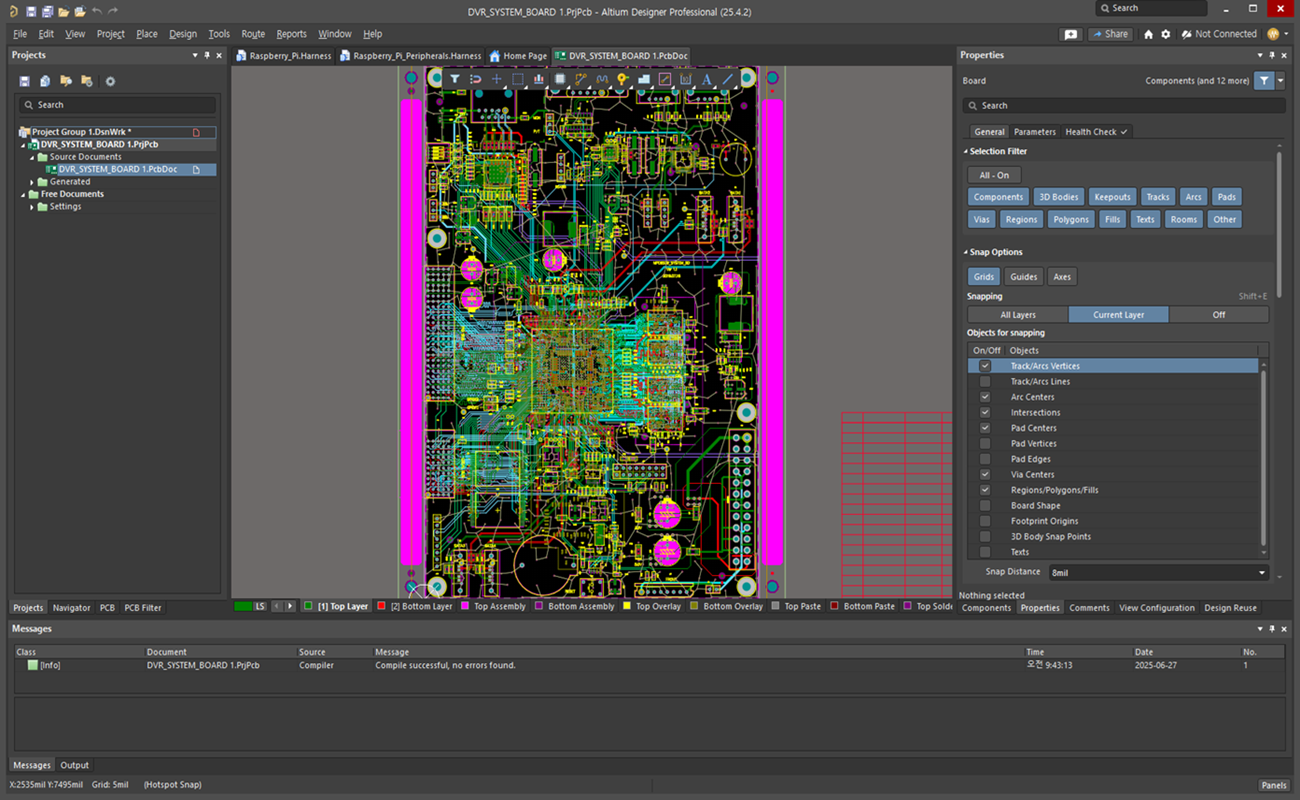
Altium Translator accurately converts design data created in various ECAD tools into Altium Designer’s format, providing a complete migration without data loss.
Altium Translator precisely converts the component libraries used in the original ECAD tool into Altium Designer’s Library format. The symbol and footprint information in the library maintains data integrity during the conversion process and is immediately available in the Altium environment after conversion.
Quickly convert coordinates and layout information of placed parts from the original ECAD design to Altium Designer format using Altium Translator. By preserving the original design’s component layout configuration as much as possible, the time required for re-arrangement or review after conversion is drastically reduced.
Altium Translator automatically applies design rules defined in existing ECAD tools to Altium Designer’s Design Rule format, increasing data translation efficiency and reliability. Additional rule setup and checks are simplified within the Altium environment, further improving productivity and design quality.
Translate existing Routing and Copper Fill information seamlessly into Altium Designer design data without loss. Altium Translator maintains the electrical connectivity and copper areas of the original data, and provides an accurate Routing & Fill environment to ensure smooth subsequent design work.
Familiar environment, powerful performance, and one-click start.